文章讨论了MacBook Pro使用多年后风扇噪音增大的问题,并提到网上普遍认为这是由于电脑的导热膏随时间干燥所致。作者虽然考虑过更换导热膏,但最终认为对于大多数用户来说,这并不是必要的操作,因为MacBook Pro仍然能够高效处理各种任务。
正文
文章主要内容总结
标题: 你应该重新涂抹MacBook的散热膏(但最好不要)
发布日期: 2025年7月10日
主要内容:
背景介绍:
- 作者使用M1 Pro MacBook Pro已有四年,虽然性能依然强劲,但风扇噪音逐渐变得明显,尤其是在进行高强度任务时。
- 作者提到,尽管他定期清理风扇,噪音问题依然存在。
散热膏的作用与问题:
- 散热膏用于填充CPU与散热器之间的微小间隙,帮助导热。然而,随着时间的推移,散热膏会干燥,导热效果下降。
- 作者决定更换散热膏,并购买了Noctua NT-H2散热膏。
拆卸与更换过程:
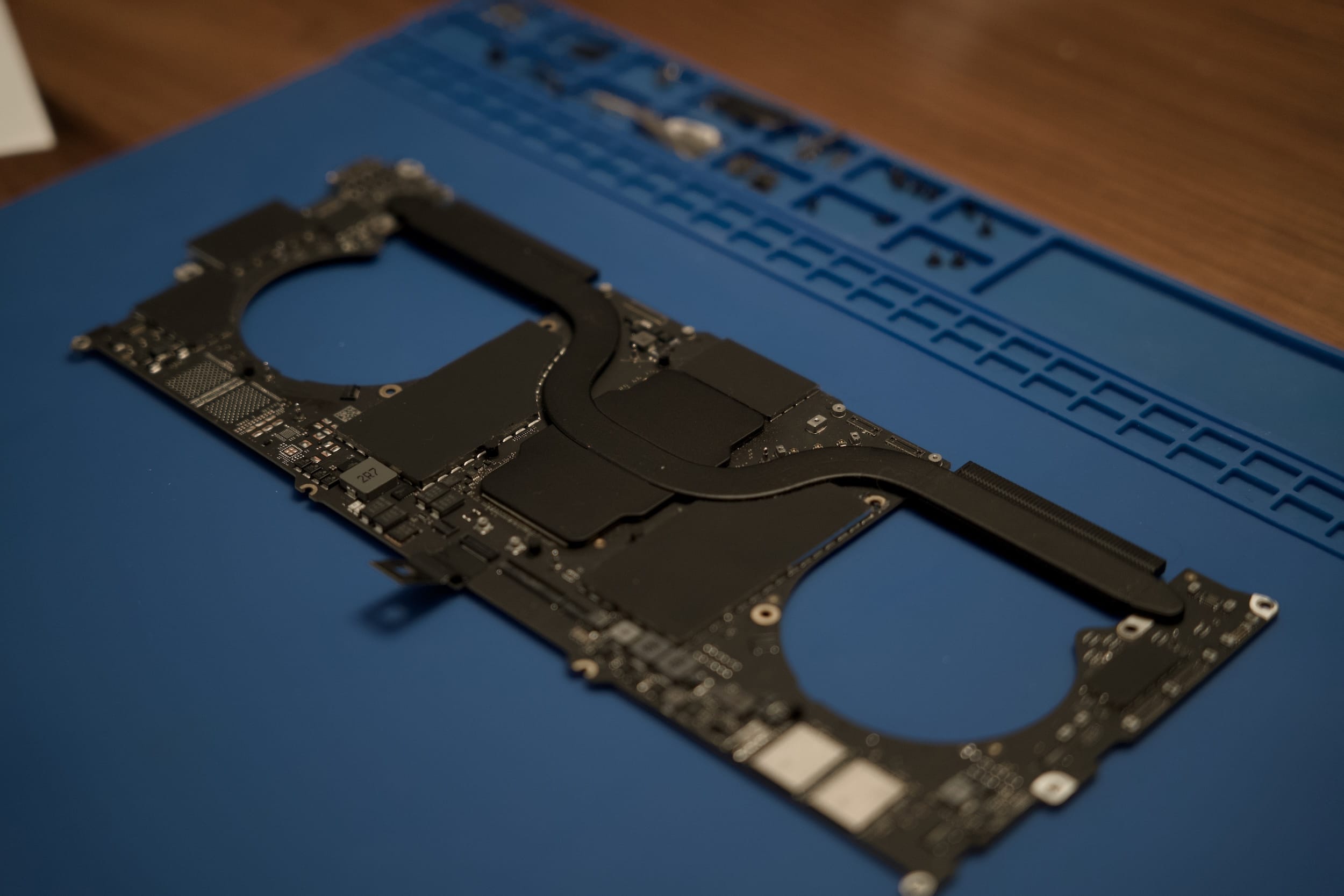
- 作者参考了iFixit的详细拆卸指南,开始拆卸MacBook。
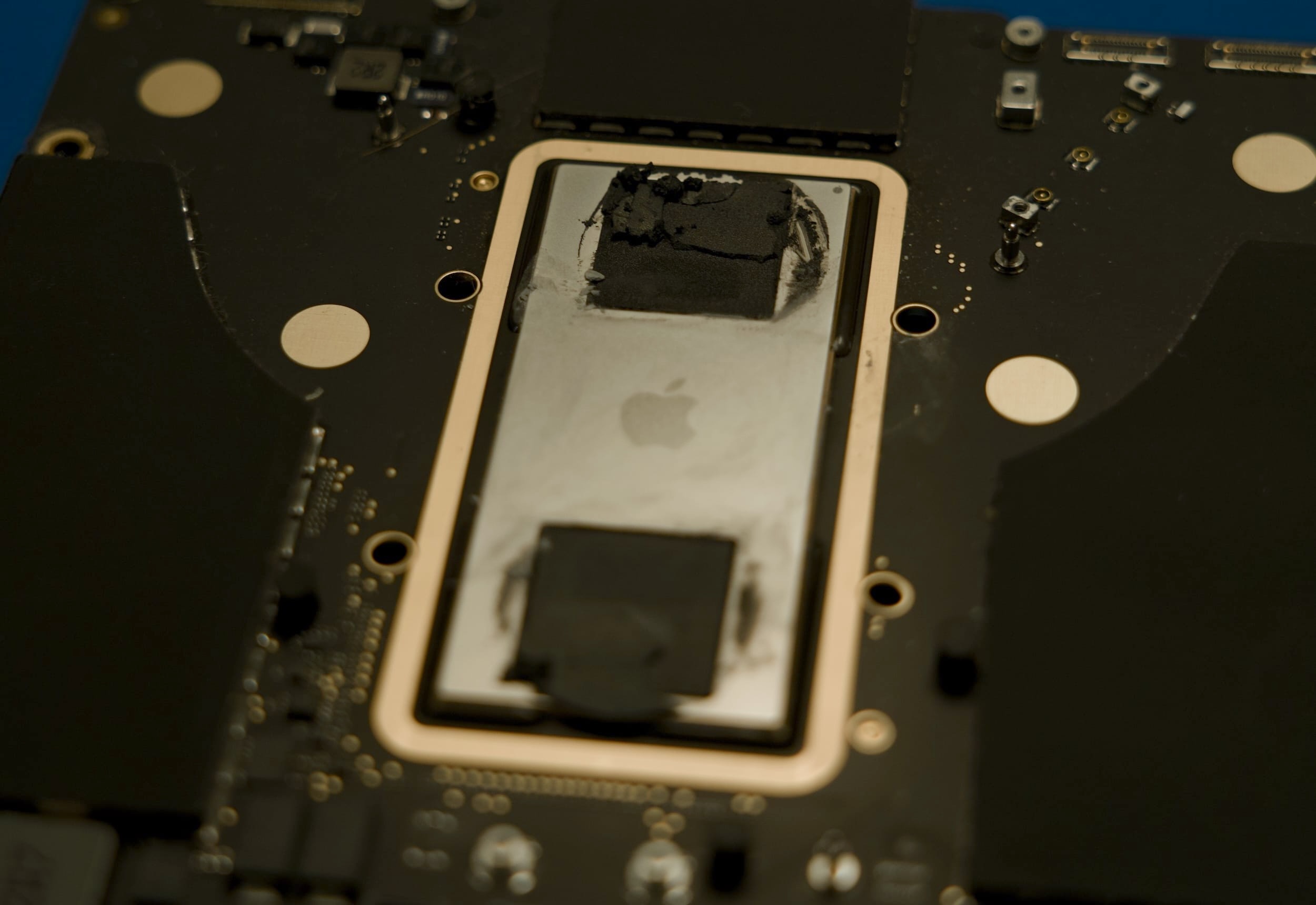
- 在拆卸过程中,作者发现Apple在其MacBook上使用了一种特殊的散热化合物“Carbon Black”,这种化合物比传统散热膏更耐用,因此作者决定不更换这部分。
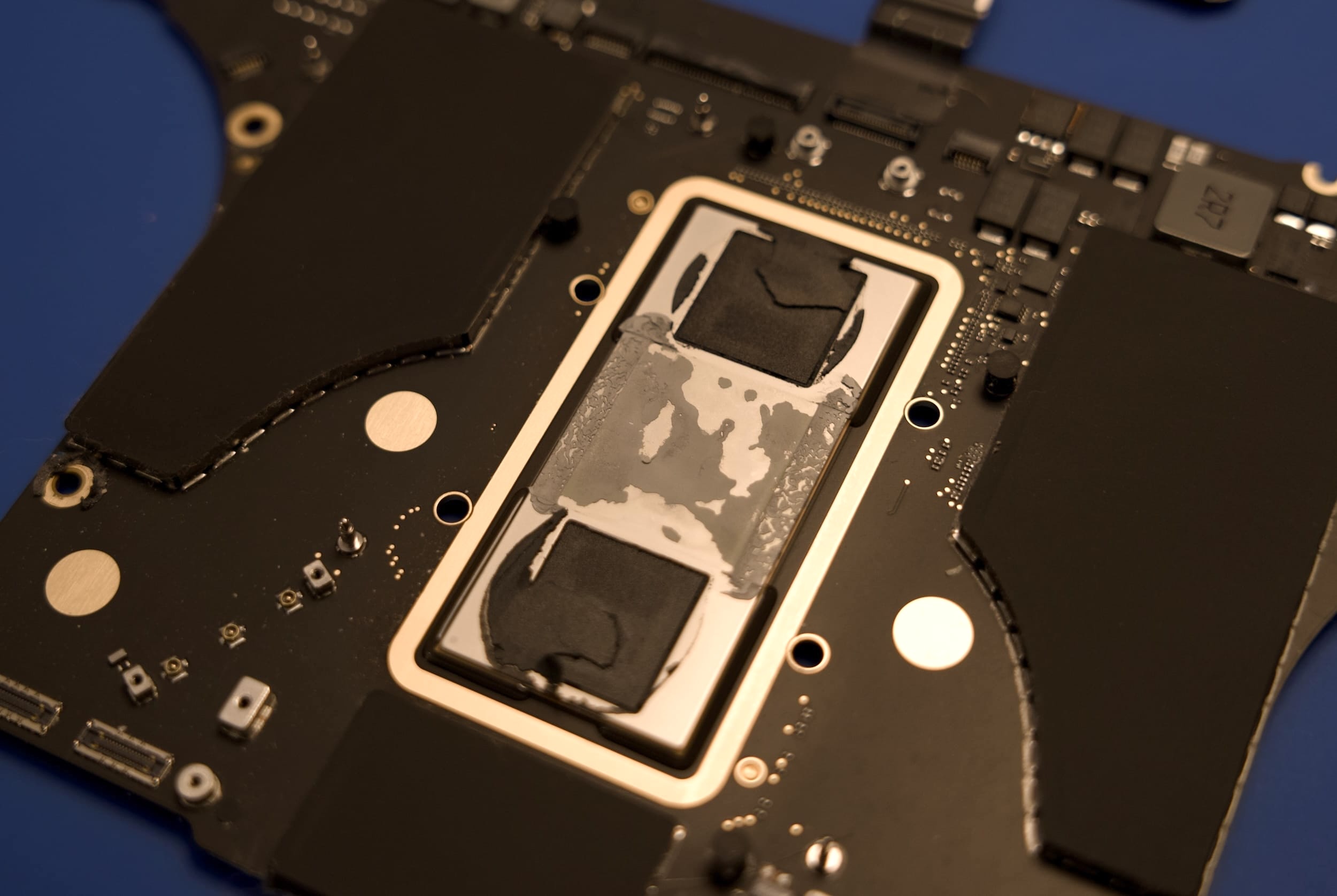
- 作者使用棉签和异丙醇清理了旧的散热膏,并涂抹了新的散热膏。
拆卸过程中的意外:
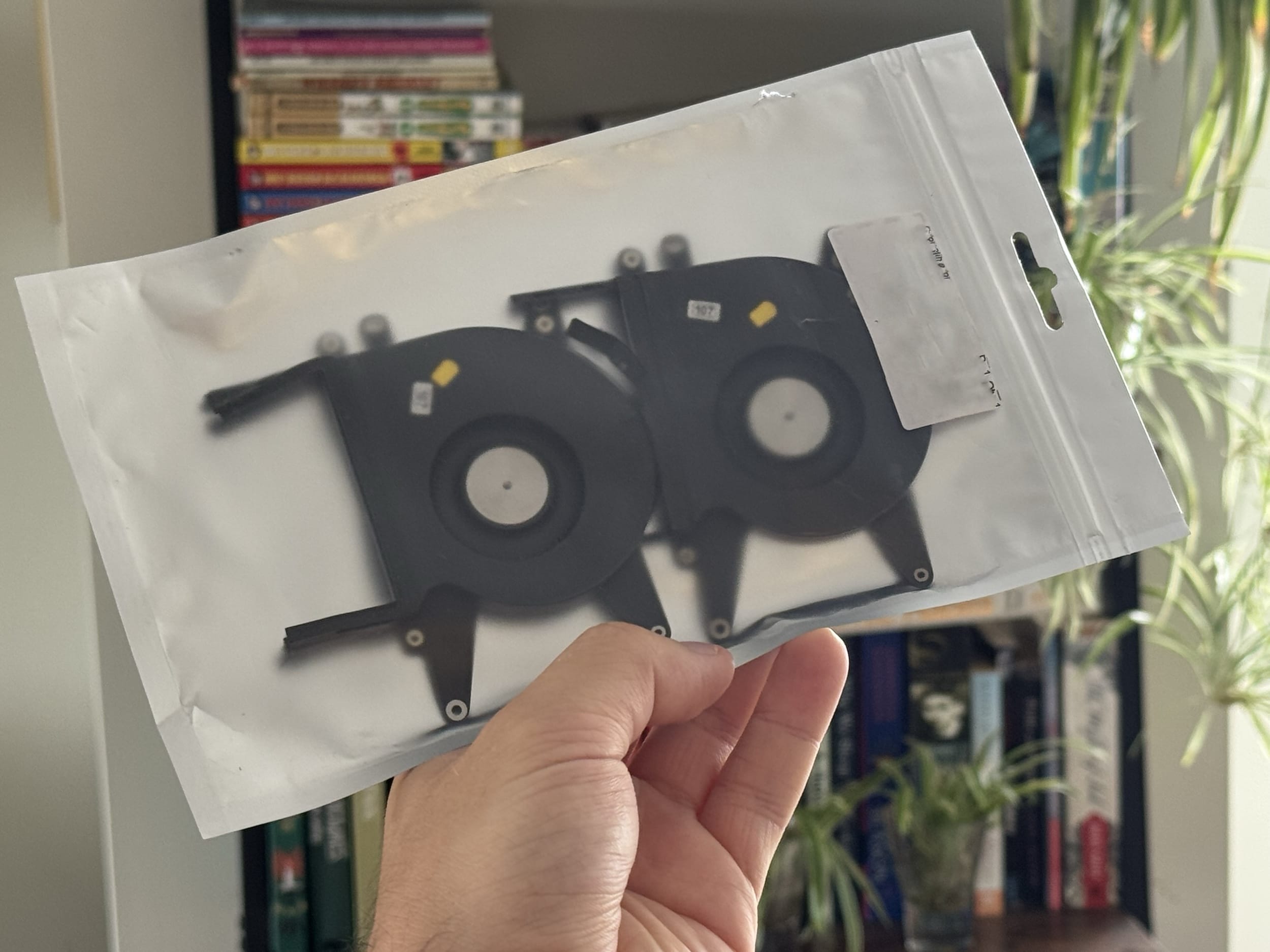
- 在拆卸过程中,作者不慎损坏了风扇电缆,不得不购买新的风扇进行更换。
- 几天后,新风扇到货,作者重新进行了拆卸和安装。
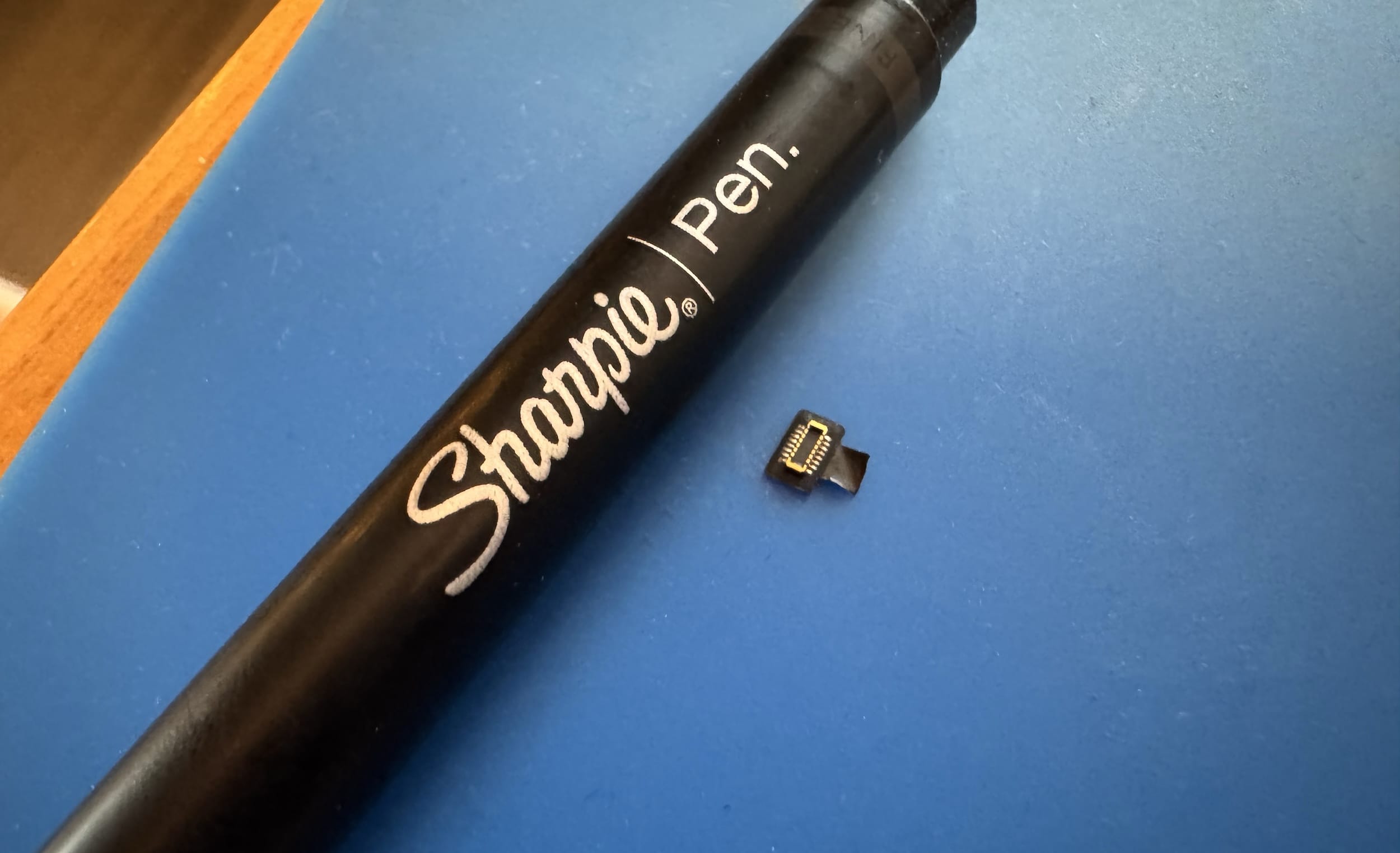
- 在重新组装时,作者又意外损坏了Touch ID传感器电缆,导致Touch ID功能失效。

更换后的效果:
- 更换散热膏后,CPU的最高温度从102°C降至96°C,风扇最高转速从6,300 RPM降至4,700 RPM,Cinebench得分略有提升。
- 在空闲状态下,CPU温度从60°C降至46°C,整体感觉更加健康。
建议:
- 作者建议,除非你非常熟悉小型精密电子设备的维修,否则最好不要自行更换散热膏。如果你有经验或者可以找到价格合理的维修店,这确实是一个不错的优化措施。
结论: 虽然更换散热膏带来了明显的性能提升,但由于拆卸过程中的高风险,作者建议普通用户谨慎操作。作者本人虽然对结果满意,但也因此失去了Touch ID功能。
评论
主要观点总结:
MacBook 散热改造的利弊
- 支持观点:通过添加导热垫或更换导热膏,可以有效提升散热性能,延长设备的高性能运行时间。
- 引用1:“将导热垫放在CPU散热片和外壳之间,可以将外壳变成一个大散热片,延长设备的最大性能。”(If you have any of the Air models which lack fans, there's a common hack of putting thermal pads between the CPU heatspreader and case, effectively turning the bottom case into a large heatsink, and giving your system a longer maximum performance before throttling.)
- 引用2:“使用高端导热膏甚至液态金属后,效果显著,尤其是长期使用后,导热膏的退化会影响设备性能。”(The results were impressive, and I think it’s a bit veiled how paste degradation over time impacts perceived laptop speeds.)
- 反对观点:改造可能导致设备损坏,且效果有限,不值得冒险。
- 引用1:“这篇文章更像是‘不要给你的MacBook更换导热膏’,5度的降温和100分的Cinebench提升根本不值得。”(this read more like "Do Not Repaste Your MacBook". There's no way this was worth 5 degrees and 100 points in cinbench (sic))
- 引用2:“更换导热膏后,Touch ID损坏,维修费用高达数百美元,整个过程并不值得。”(Once you ignore that it lost Touch ID and will have to pay hundreds of dollars to Apple for the privilege of repairing it, the process was quite smooth.)
- 支持观点:通过添加导热垫或更换导热膏,可以有效提升散热性能,延长设备的高性能运行时间。
MacBook 的可维修性问题
- 批评观点:MacBook 的维修难度高,尤其是较新的型号,拆解过程中容易损坏脆弱的部件。
- 引用1:“MacBook 很漂亮,CPU也很强大,但可维修性太差了。”(Macbooks are pretty, they’ve got a great CPU, but the repairability is just rubbish)
- 引用2:“2017款MacBook Pro可能是苹果历史上最差的产品之一,质量和维修难度都很糟糕。”(Contrast this to my 2017 MBP which has to score on the top 10 list of worst apple products of all time as far as quality and ease of repair go.)
- 支持观点:部分旧型号(如2012款)的维修相对简单,且苹果在某些情况下提供维修服务。
- 引用1:“2012款MacBook Pro的拆解和维修并不难,更换电池、升级内存和存储都很容易。”(I had to do this to my 2012 MBP (along with fixing the gpu solder problem) and I found it wasn’t that hard to disassemble / reassemble.)
- 引用2:“苹果是否通过AppleCare提供更换导热膏的服务?对于像我这样不擅长电子设备操作的人来说,这可能更好。”(I wonder if Apple itself offers repasting services via AppleCare. For someone like me, with little experience in handling electronics, it might be better than trying to fiddle with the MacBook’s internals.)
- 批评观点:MacBook 的维修难度高,尤其是较新的型号,拆解过程中容易损坏脆弱的部件。
MacBook 的散热设计与使用体验
- 正面评价:部分新款MacBook(如M1系列)散热设计优秀,风扇几乎不工作,设备内部灰尘较少。
- 引用1:“当前的MBP通常风扇完全关闭,我的M1 Max MBP内部几乎没有灰尘。”(A nice and unexpected thing about the current MBPs is they usually have their fan completely turned off. There was barely any dust in my M1 Max MBP when I looked.)
- 引用2:“我每天使用M1 Max,只听到过一次风扇声,那是在内核崩溃时。”(I use my M1 Max every day and still have only heard the fans once when it kernel panicked.)
- 负面评价:部分用户仍遇到散热问题,尤其是旧型号或高负载情况下。
- 引用1:“我的14寸M1 MacBook内部积尘严重,左风扇发出奇怪的噪音,最终不得不拆解清理。”(I recently paid 60 euros to get my 14" m1 macbook cleaned, it was extremely dusty inside, so much so that the left fan started making strange squealing noises.)
- 引用2:“MacBook的最大CPU温度达到96°C,这正常吗?”(What? Is that normal for macs?)
- 正面评价:部分新款MacBook(如M1系列)散热设计优秀,风扇几乎不工作,设备内部灰尘较少。
总结:
评论中对MacBook的散热改造、可维修性和散热设计存在不同观点。部分用户认为通过改造可以提升性能,但也有人指出改造风险高且效果有限。MacBook的可维修性普遍受到批评,尤其是较新的型号,但部分旧型号的维修相对简单。新款MacBook(如M1系列)的散热设计受到好评,但仍有用户遇到散热问题。